Windows Live Mail Desktop Print
Written by mypchell.com   
Wednesday, 18 June 2008
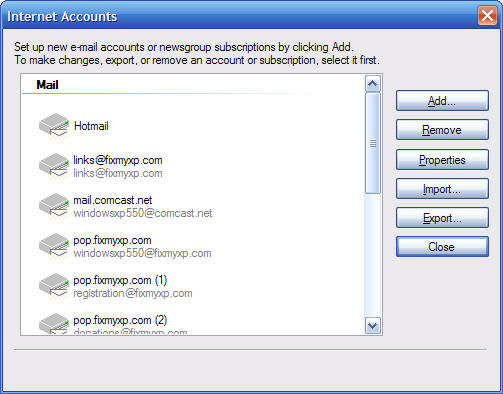
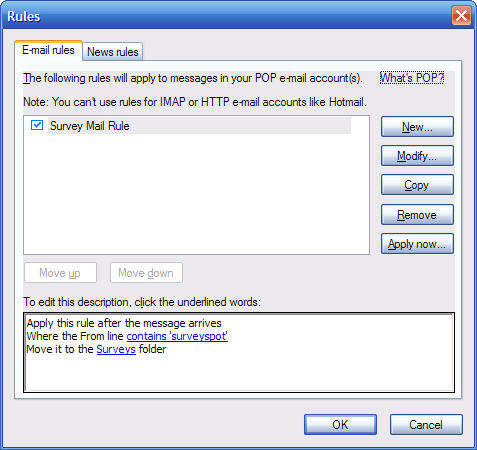
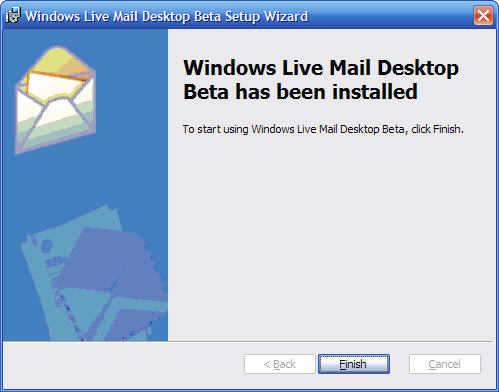
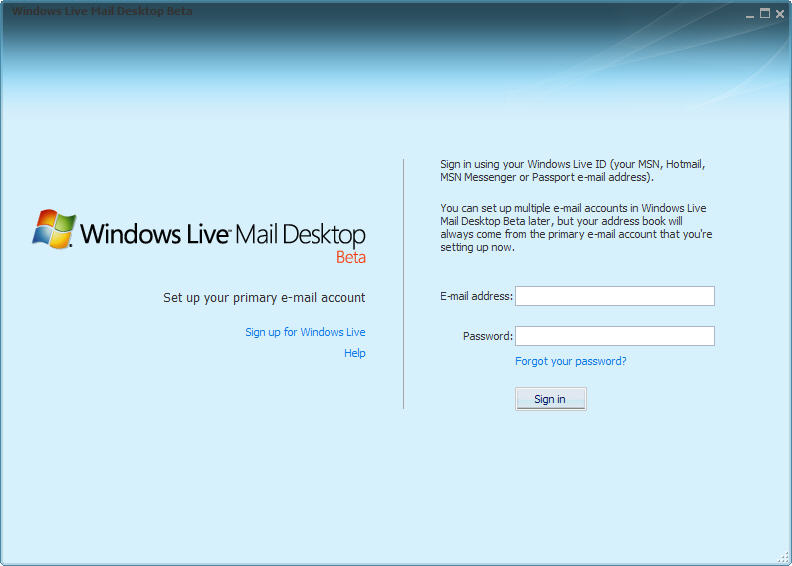
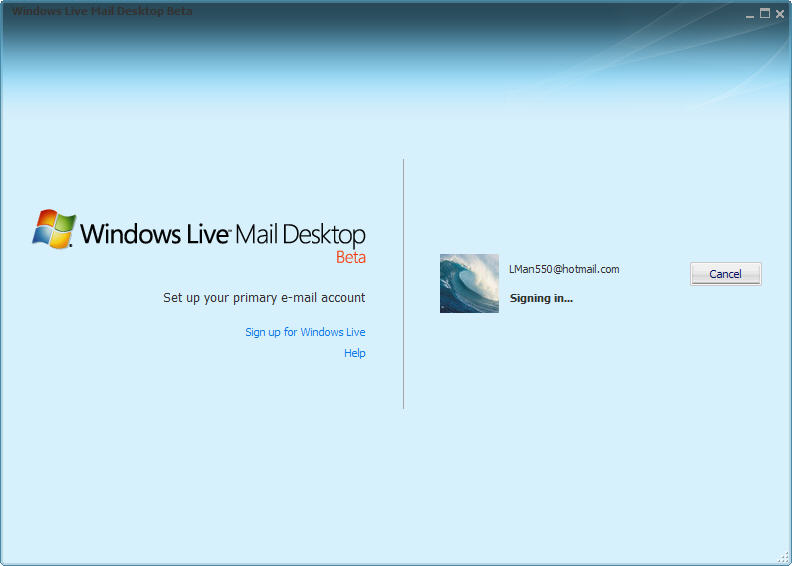
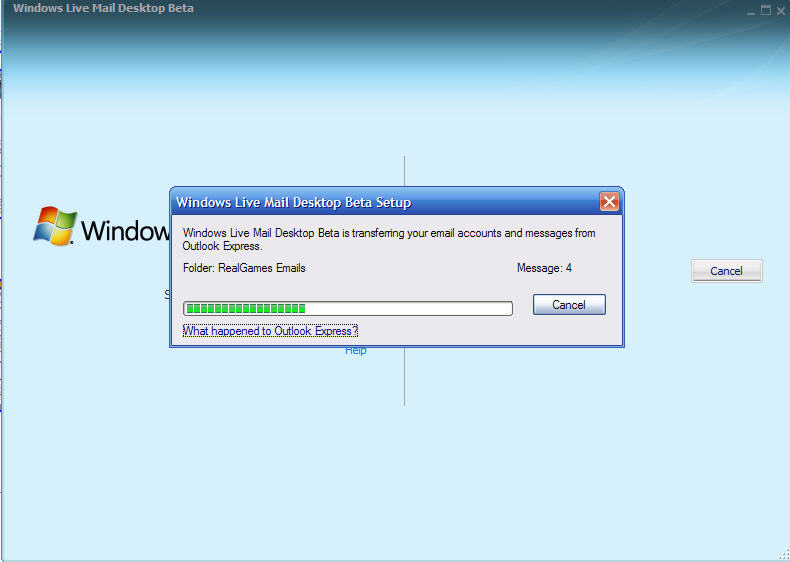
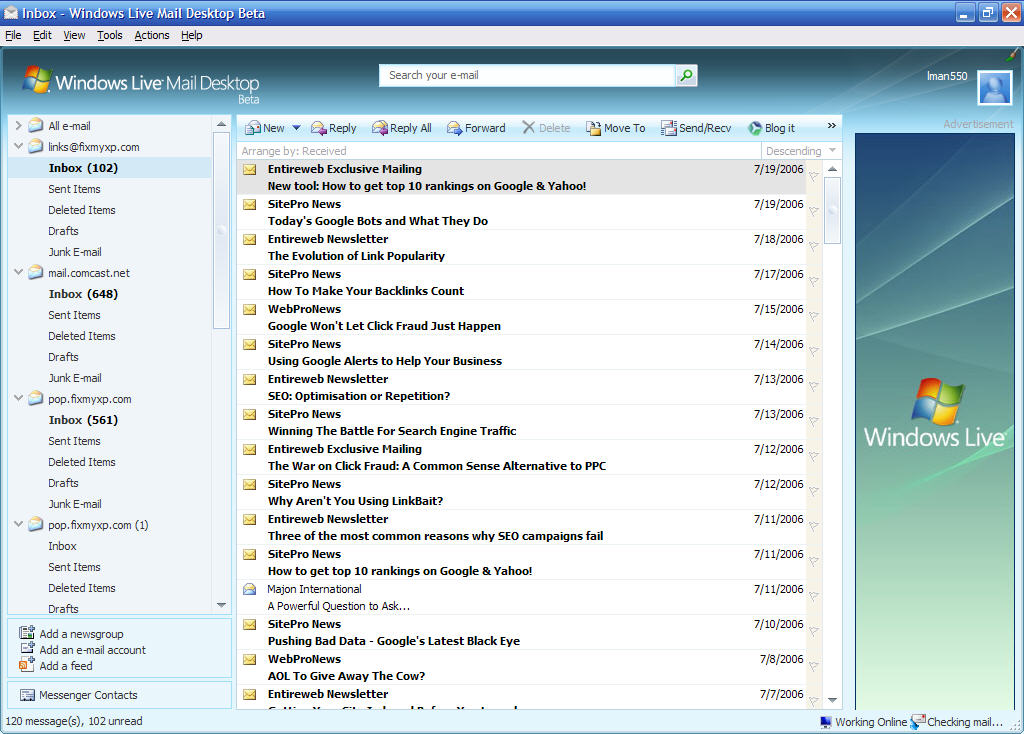
Image These are screenshots of Windows Live Mail Desktop Beta, which was a unexpected release on 7/19/06. This program will be the replacement for Outlook Express. If you are interested and want to try out Windows Live Mail Desktop Beta, I suggest you head over to the Microsoft website and join the Beta and download...(Continued)


Note: Click on any image for a larger view of that particular image.


A side note: If you install, and you see an error message during the install (When I installed, I did have this error message), then you will need this info. Here is the fix:

Close the Install that failed, right click on the Executable for Windows Live Mail Desktop Beta, and choose “Extract.." . Then once it has extracted launch only the .MSI file

OR

Another way to fix the same problem ,
Go to your main drive (typically this will be the C drive), then into Documents and Settings, then your username, then Local Settings ** then Temp, then delete everything in this folder. Then relaunch the EXE file for Windows Live Mail Desktop Beta. (**Note you will need to enable hidden files and folders to be able to access the Local Settings Folder)

For more information on Windows Live Mail Desktop Beta, and/or to join the beta and download a copy...

go here:
http://ideas.live.com/programPage.aspx?versionId=6ac2bed2-b5a4-4a0a-a897-e36dd191a9f4

Comments (0)add comment

Write comment
quote
bold
italicize
underline
strike
url
image
quote
quote
smile
wink
laugh
grin
angry
sad
shocked
cool
tongue
kiss
cry
smaller | bigger

security image
Write the displayed characters


busy
 
< Prev   Next >
Minneapolis London Tokyo Honolulu

Translate


Recommended Sites

Shell Extension City

Latest Comments


WHY DO YOU ALL CONTINUE TO PRINT THAT THIS KEY IN UNATTEND.TXT WILL WORK???? IT ...
hello
thanks thanks thanks very very thanks

for Sketch: write 'msconfig' in RUN. Under the tab startup, U unmark all the ite...

This is fantastic, but I didn't find the command I want. Anyone know the run c...
Comment
This is really good. I love your site.

Who's Online

We have 17 guests online