Note: Click on any image for a larger view of that particular image.
Click 
then 
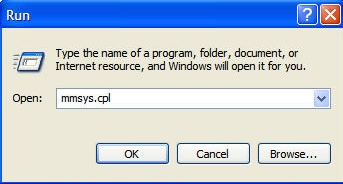
Type mmsys.cpl, then click 
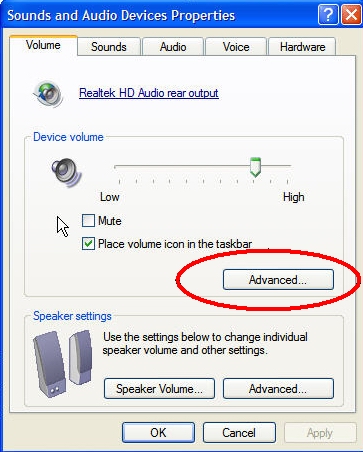
Copy Under Device Volume, Click Advanced
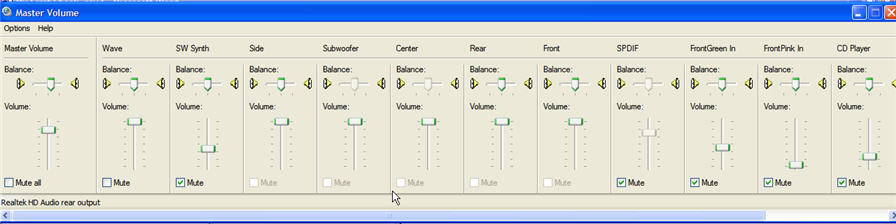
When the Master Volume Control Panel opens, hit CONTROL + S
B E F O R E
A F T E R
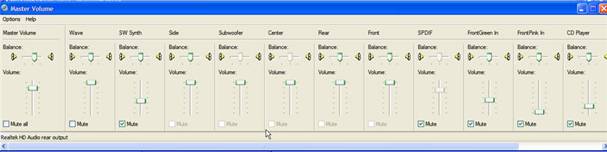
Your Volume Control Panel will now be much Smaller (note:to get back to the larger view again, simply hit Control + S again).