Note: Click on any image for a larger view of that particular image.
Click 
then 
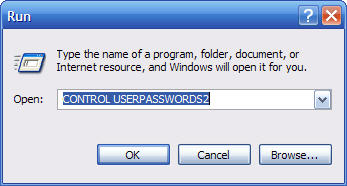
Type control userpasswords2 then click 
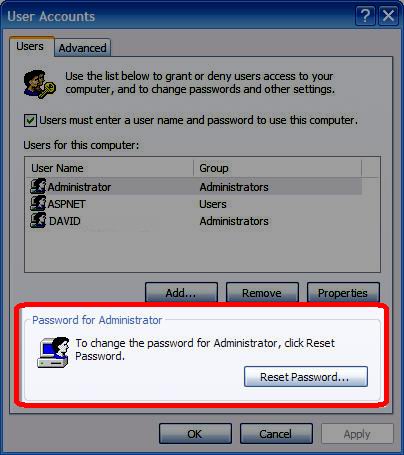
Then under the Password for Administrator section click on Reset Password
then type and confirm a new password (note: the user that you are using to do this change must be an administrator)
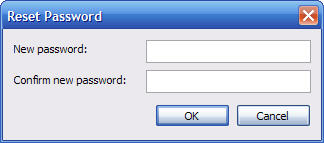
Then Click Ok then Apply