-
In Outlook Express, go to Tools/Options and then the Send tab as (see last illustration)
-
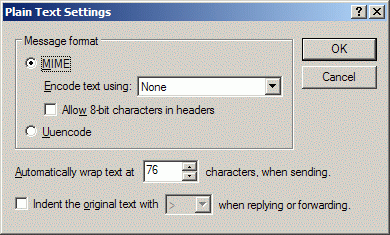
Click on the Plain Text Settings button in the Mail Sending Format area.
-
Remove the tick from the bottom box then click on OK.
-
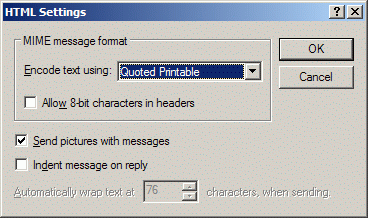
Do the same for the HTML Settings.
-
Repeat in the News Sending Format area
How to Clean the Text
OK, you are pretty good, you’ve got all your settings correct to avoid cluttering messages with useless indent marks. That doesn’t stop you receiving messages that have been through several forwarding sessions and they are full of indents. (Probably full of unwanted email addresses too!)
The good news is that there are free programs that can clean all of that out for you. That way you can send on just nice tidy text. All you have to do is copy and paste the original text, along with any forwarding indents, into the program. Clean it, then copy and paste into a new message.
One such program is EmailStripper,
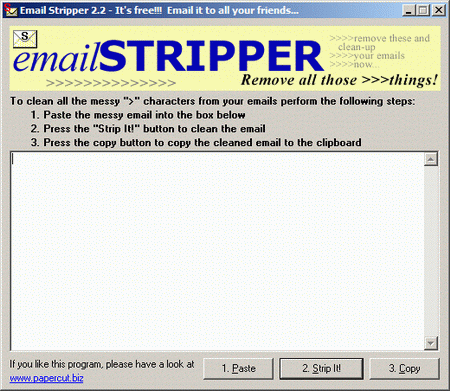
Download it from here: http://www.webattack.com/get/emstripper.html


